Build, test and automate your trading ideas, without code.
Turn a trading idea into a strategy on a visual canvas, test it on years of market data, and move to live trading only when you're ready.
- No code
- Tick-level backtests
- AI-assisted
- Free plan

From idea to automation
Your rules, not a template's.
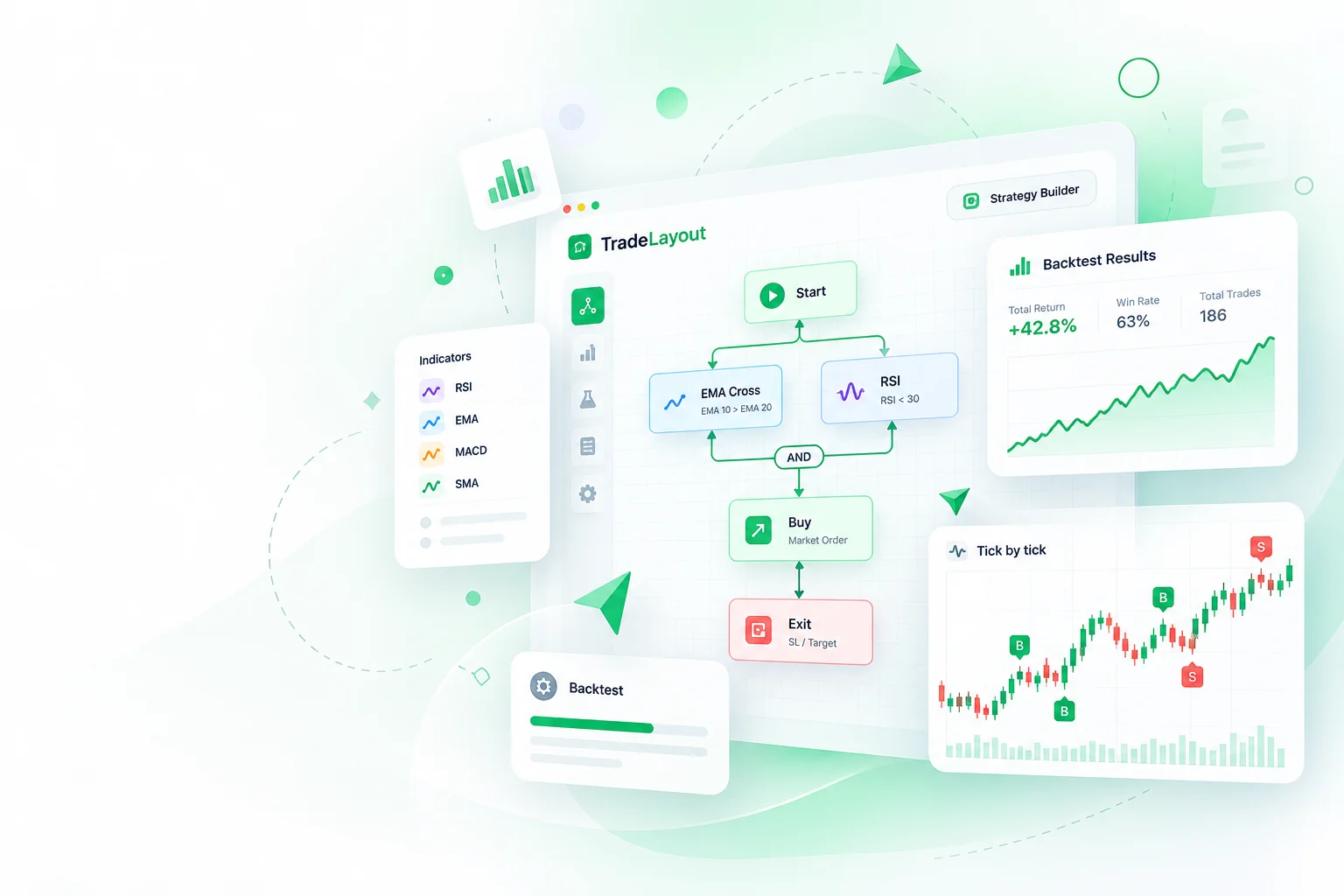
Moving averages, RSI, price action, several timeframes at once: assemble exactly how you read the market from connected blocks.
- Conditions from indicators, joined with AND and OR
- Actions for entries, exits, stop-loss and target
- Rules for position size, re-entries and parameters you can retest
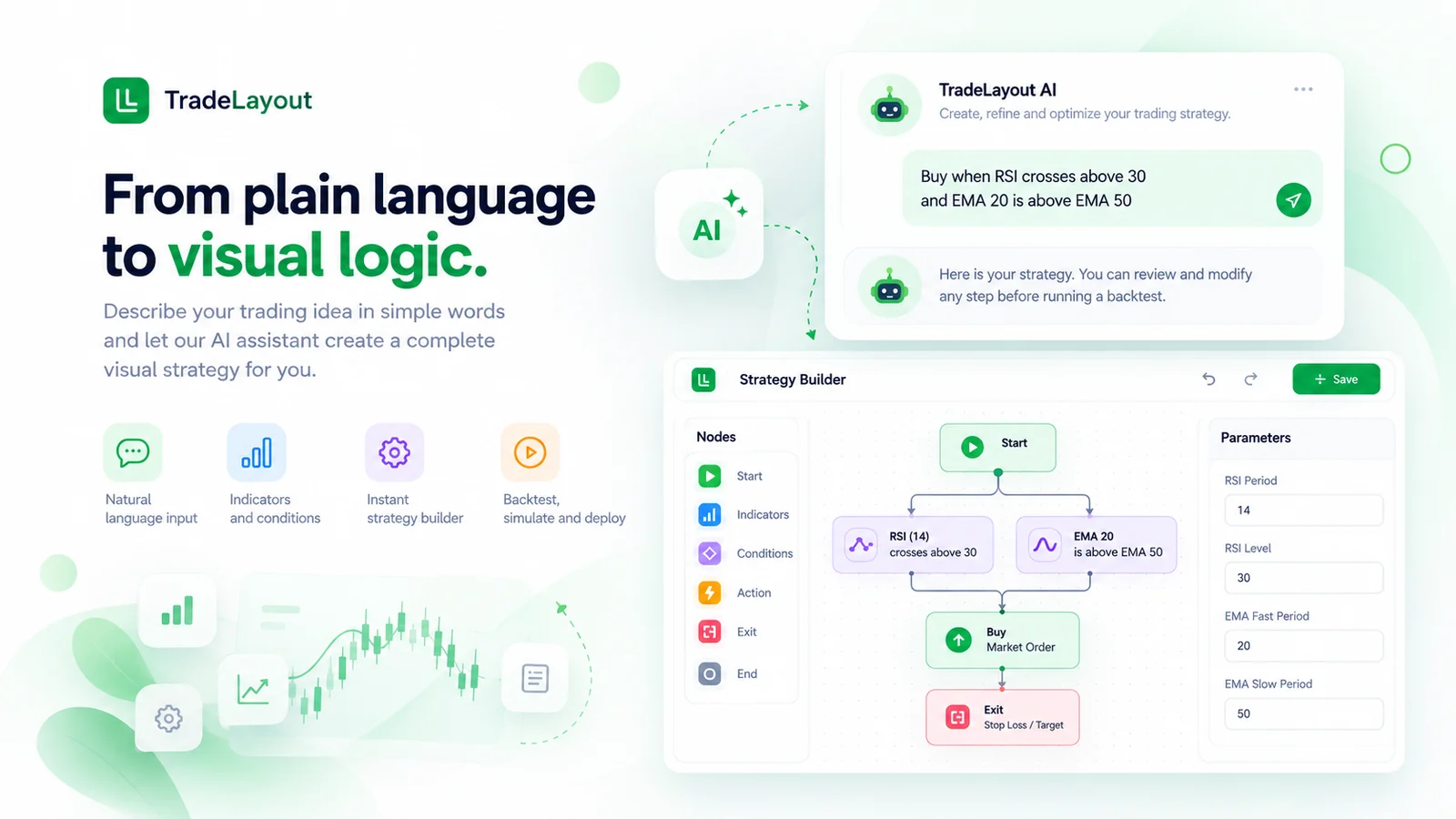
From plain language to visual logic.
Say it the way you'd explain it to a friend. The assistant asks about anything unclear, then shows you the plan before it builds.
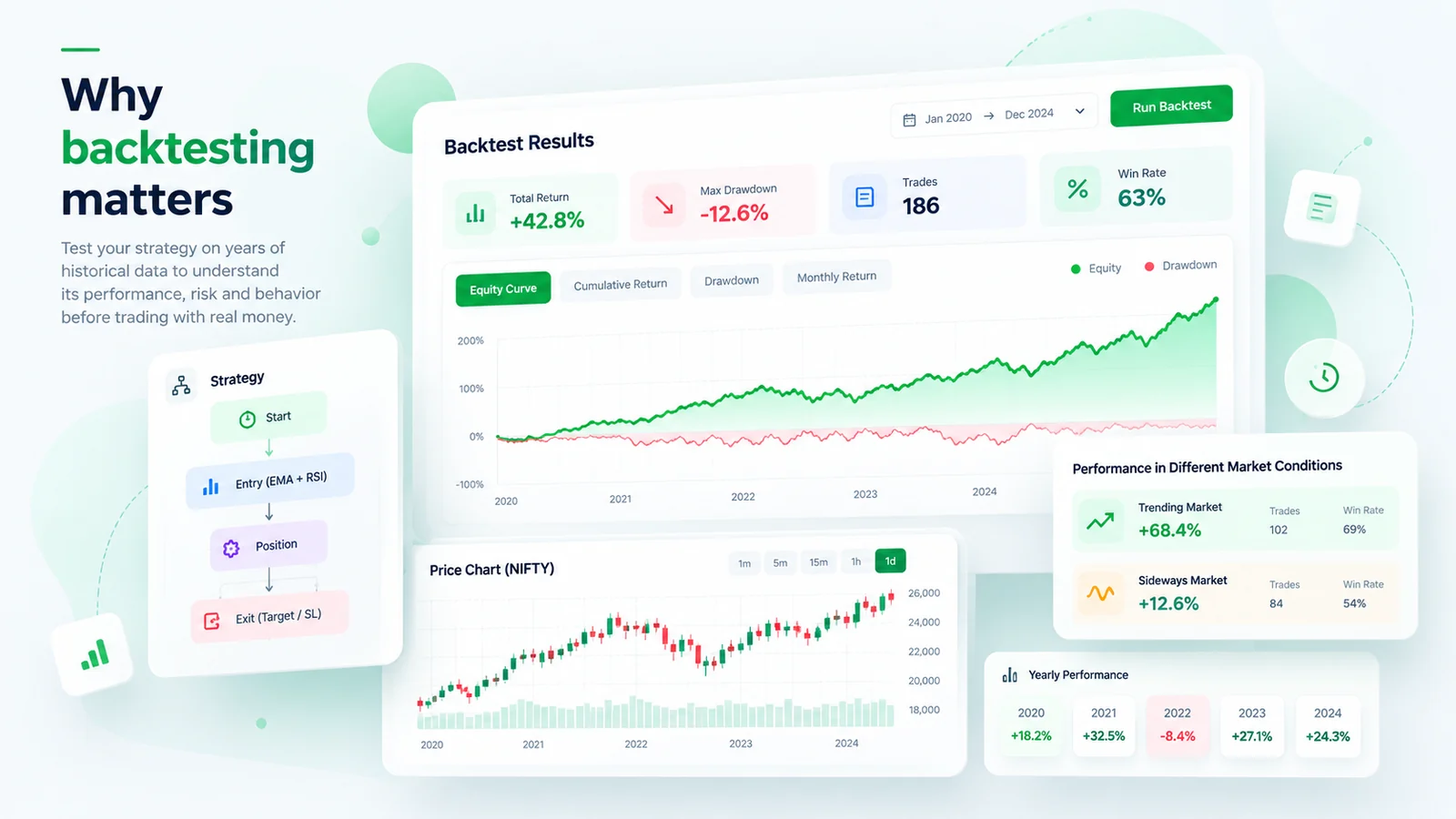
Six good months can be luck. Test years.
See how your strategy behaves through trending, sideways and volatile markets before real money is at stake.
- Profit, trades, win rate and maximum drawdown
- How parameter changes move the results
Why tick-level data? When one candle touches both your target and your stop-loss, candle data can't say which came first. Tick data can, where it's available.
Saw "80% returns" online? Ask four questions.
Which period was tested, with how many trades?
Were brokerage and other costs included?
How deep was the worst drawdown?
Does it still work on data it wasn't built on?
A high win rate can still lose money. Judge a strategy by its evidence, not its promises.
Templates are rigid. Code is a project. There's a middle way.
Templates
- Only the rules the template allows
- Backtesting built in
- No code to maintain
TradeLayout
- Your own rules, built from blocks
- Backtesting with tick data built in
- Broker, orders and hosting handled
- Read the canvas, not code
Your own code
- Anything you can program
- Build data, backtests, broker links and hosting yourself
- Review all of it, AI-written code included
Start free
The free plan includes limited credits to explore building and backtesting. Paid plans add more as you grow.
Plans and usageYour broker, your keys
TradeLayout uses your broker's API credentials, not your login password or OTP. Check the permissions and how to revoke them before you connect.